Networking · Buying guide
Battery backup for a home router
Figure out what to keep running during a brief outage.
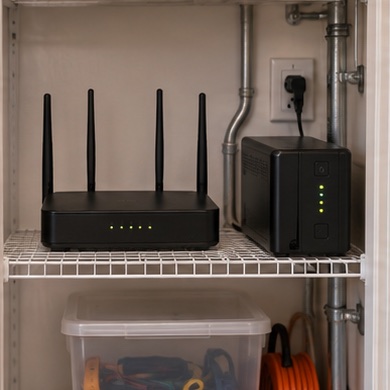
The lights flicker during a remote meeting and your laptop stays on, but the connection drops as the modem reboots. Giving both boxes backup power can help with interruptions inside the house.
Start with your setup
List all equipment on the path to the provider, including an accessible fiber terminal if your setup uses one. Read the loads and check the UPS runtime chart at their combined draw.
What to buy
Several AC-powered boxes. compare a UPS with enough battery-backed outlets in usable positions.
A single compatible device. consider a purpose-built DC backup with the exact output and connector specified.
Before you order
Even with local power, the provider's equipment can go down. Follow the UPS placement and battery instructions, then test the real setup during a planned window.