Audio & TV · Buying guide
Headphones for late-night TV
Check shared audio and lip sync in your actual setup.
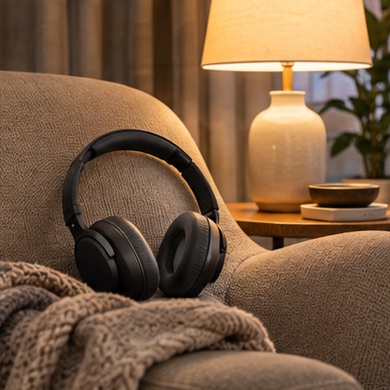
One person watches a show late while someone else sleeps down the hall. The best system is easy to switch back to speakers the next morning.
Start with your setup
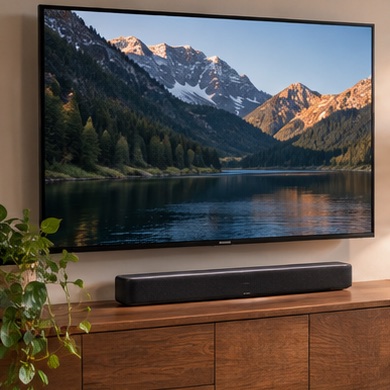
Find the audio outputs on both the TV and any receiver. Check whether your TV can play to headphones and speakers at once if two people want different levels.
What to buy
Simple pairing. try compatible Bluetooth headphones you already own.
Dedicated TV use. compare a transmitter-and-headphone set with an input your TV supports and a charging dock you can find in the dark.
Before you order
Test lip sync on dialogue, then switch to another input and see whether audio still routes correctly. Check how you return the TV to normal sound without re-pairing everything.