Desk Setup · Buying guide
A monitor for daily work from home
Balance text detail, readable scaling, and your desk depth.
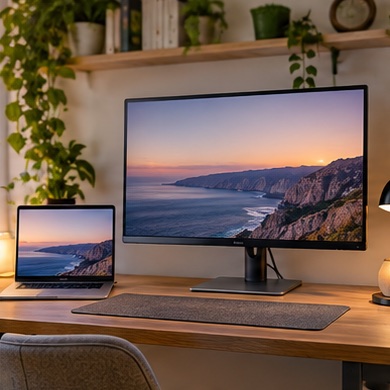
You edit documents in the morning and keep several browser windows open in the afternoon. A screen that looks impressive in the store can feel oversized across a shallow desk.
Start with your setup
Mark the screen's approximate width and height on the wall behind the desk. Check how far back you can sit comfortably. Decide how many windows need to fit side by side at a text size you actually use.
What to buy
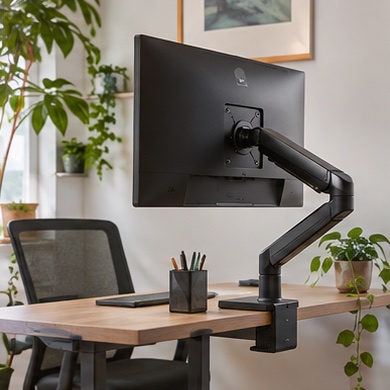
Short desk. compare smaller screens and plan for an adjustable stand.
Long hours reading. compare sharper panels and check scaling with your usual apps.
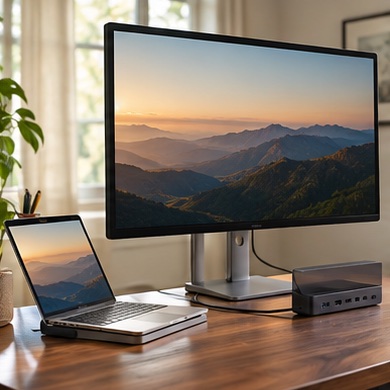
Laptop-heavy workflow. weigh one-cable display and charging if the computer supports it.
Before you order
Verify the inputs, included cables, stand adjustment, and return terms for pixel and uniformity issues. Price the monitor with the stand or arm you need to use it comfortably.