Charging & Travel · Buying guide
Buying the right USB-C cable
Match charging, data, and display needs to the cable label.
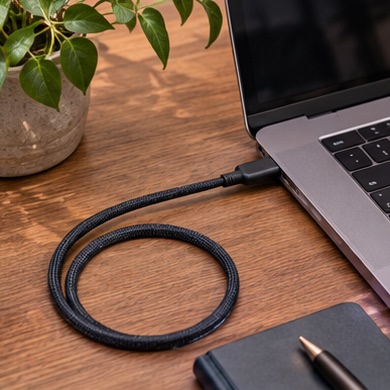
A cable that charges your phone fits the laptop dock perfectly, but the external monitor stays blank. The shape of the plug alone is a poor shopping filter.
Start with your setup
Write down the job first: charge a laptop, transfer files from a drive, or connect a display. Check the host and destination specifications. Then select a cable that explicitly supports the power, data rate, or video function required.
What to buy
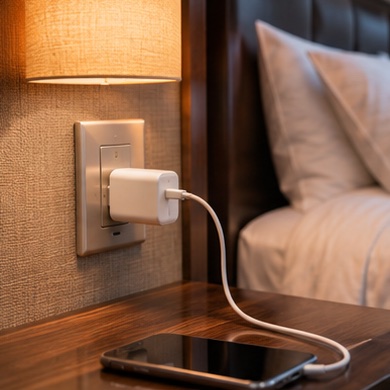
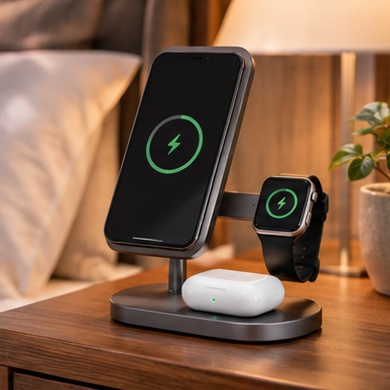
Nightstand. shop for appropriate length and charging power.
Desk dock. use the supplied cable where possible or choose a replacement explicitly compatible with the dock's required interface and reach.
Before you order
Look for clear power and data markings or published specifications, and keep the package until testing is finished. Label desk cables by what they support so the next failure is easier to diagnose.