Desk Setup · Buying guide
Portable monitors for hybrid work
Make an occasional second screen easy to pack and power.
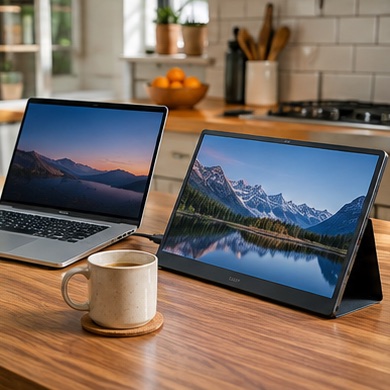
You spend two days a week at a shared table with a laptop. A portable display could keep reference material beside your main window, but only if setup is faster than rearranging the laptop desktop.
Start with your setup
Measure the bag sleeve and table width. Look up whether your computer sends video over USB-C and whether the display can draw power from it. Some setups need separate power or an HDMI connection.
What to buy
Frequent travel. favor a rigid cover, a stable stand, and cables that fit the bag.
Mostly home. compare a full-size screen if the portable one would stay on the same table all week.
Before you order
Test brightness in the brightest shared room and check wobble when typing. Include the adapter and case in the total price and weight.