Desk Setup · Buying guide
USB microphones for shared desks
Bring the voice closer and keep room noise under control.
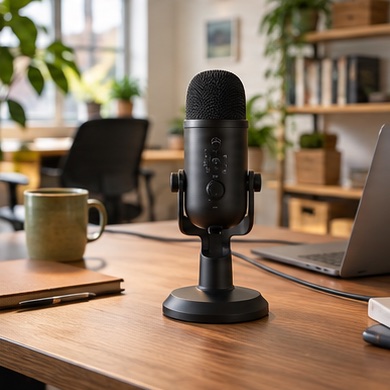
Your laptop microphone catches the kettle and someone typing across the table. Moving the mic closer to your mouth gives you a better chance of making your voice the clearest sound on the call.
Start with your setup
Make a short test recording before shopping. Move the laptop or existing headset closer and listen for keyboard impact, echo, and background voices. Decide whether a tabletop stand leaves enough space.
What to buy
Frequent calls in a busy room. compare a headset boom mic and a close-position USB mic.
Solo recordings. add a compact arm if it keeps the mic near your mouth and away from the keyboard.
Before you order
Check the platform's mute controls and whether the mic provides a visible mute indicator. A directional pattern still picks up room sound, especially when placed far away.